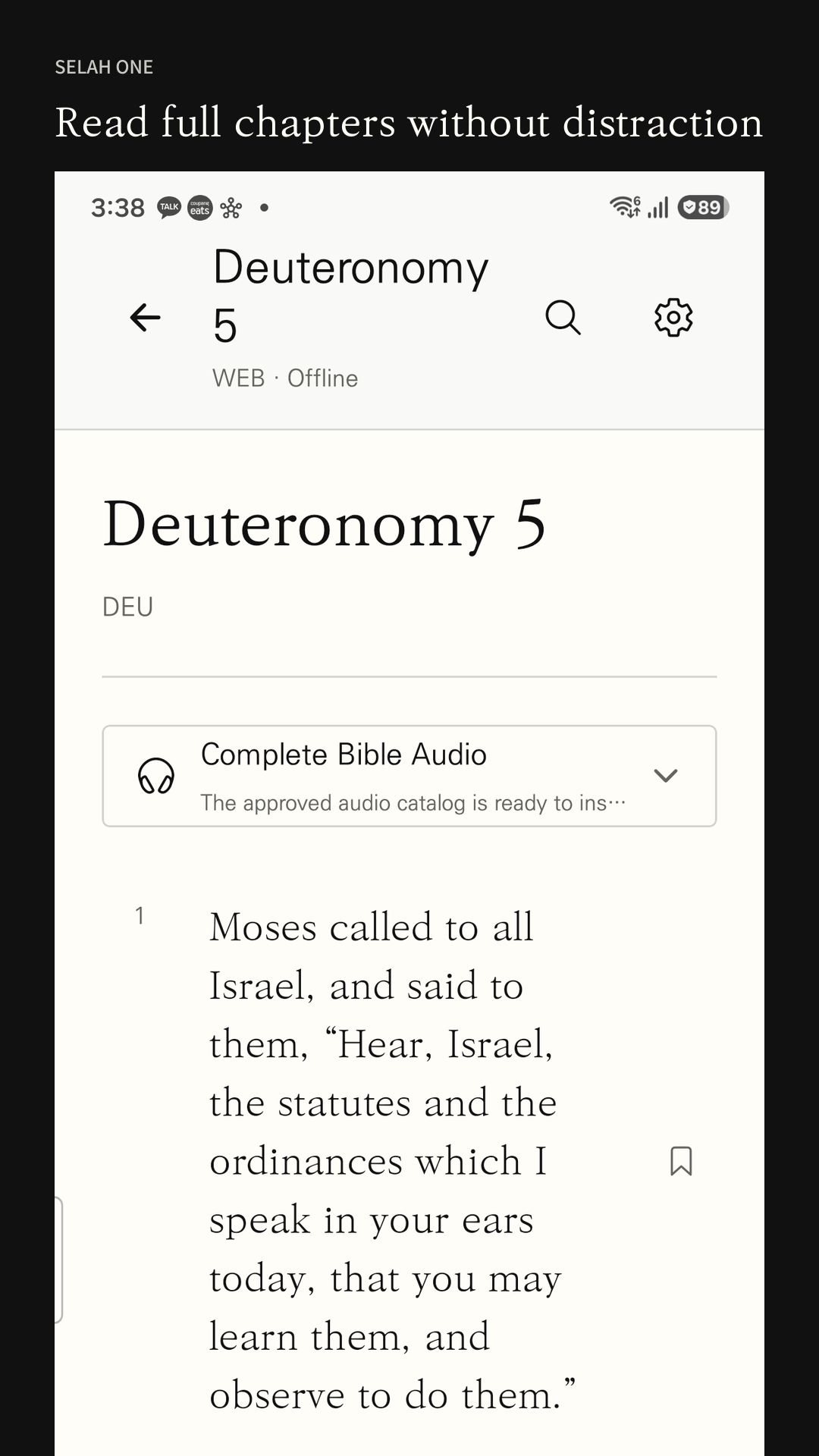
Read downloaded Bible text offline
Prepare your text while connected, then keep reading when your connection is unavailable.
- Select the Bible language and text you want while connected to the internet.
- Wait until the Bible text download finishes.
- Disconnect and check chapter reading and search for the text you downloaded.
Common questions
Is everything available offline immediately?
No. Initial downloads and updates require an internet connection. Offline reading and search apply to downloaded text.
Which English translation is used?
English Scripture uses the World English Bible (WEB). Menu languages and Bible translations have separate availability.
Does text download include audio?
No. Audio availability and download permission are separate; check the app before expecting narration offline.
View Selah One on Google Play